
Design System and Prototype Factory
Overview

I helped build a design system for Techem. It contains design tokens, Storybook components in React, the Techem Context, and the UX Writing Context. I created new components and prototypes with Figma MCP. I can also build prototypes with Claude Code, the Storybook components, and the matching Figma mapping.
- Type
- Design system and prototyping
- Role
- I helped build the design system for Techem. I made prototypes with Figma MCP and Claude Code.
- Tools
- Figma, Figma MCP, Claude Code, Storybook, React
Project snapshot
Goal
The Prototype Factory translates existing Figma designs into reproducible React prototypes. It uses the official Techem UI Kit, design tokens, and the Techem Content Rules.
Outcome
All parts of the architecture are built. The flow starts in Browser Studio and goes through the Prototype Factory API. Copilot and LLM orchestration come next. The flow ends in the browser preview. The parts are Figma Bridge, Design IR, Registry, Strict Plan, React Workspace, and Quality Checks.
AI in use
Task of Claude Code
- Claude Code builds prototypes from the Storybook components.
What went wrong
- Claude Code built its own component for a Figma component.
- Claude Code did not use the Storybook component.
What I changed
- I introduced the Component Registry.
- The Strict Generation Plan now stops when a Figma component has no Storybook match.
Learning loop
- The error is recorded in the Lessons and Generator Rules.
- It does not happen again.
The design system in numbers
7800
Design tokens
554
Components
85
Patterns
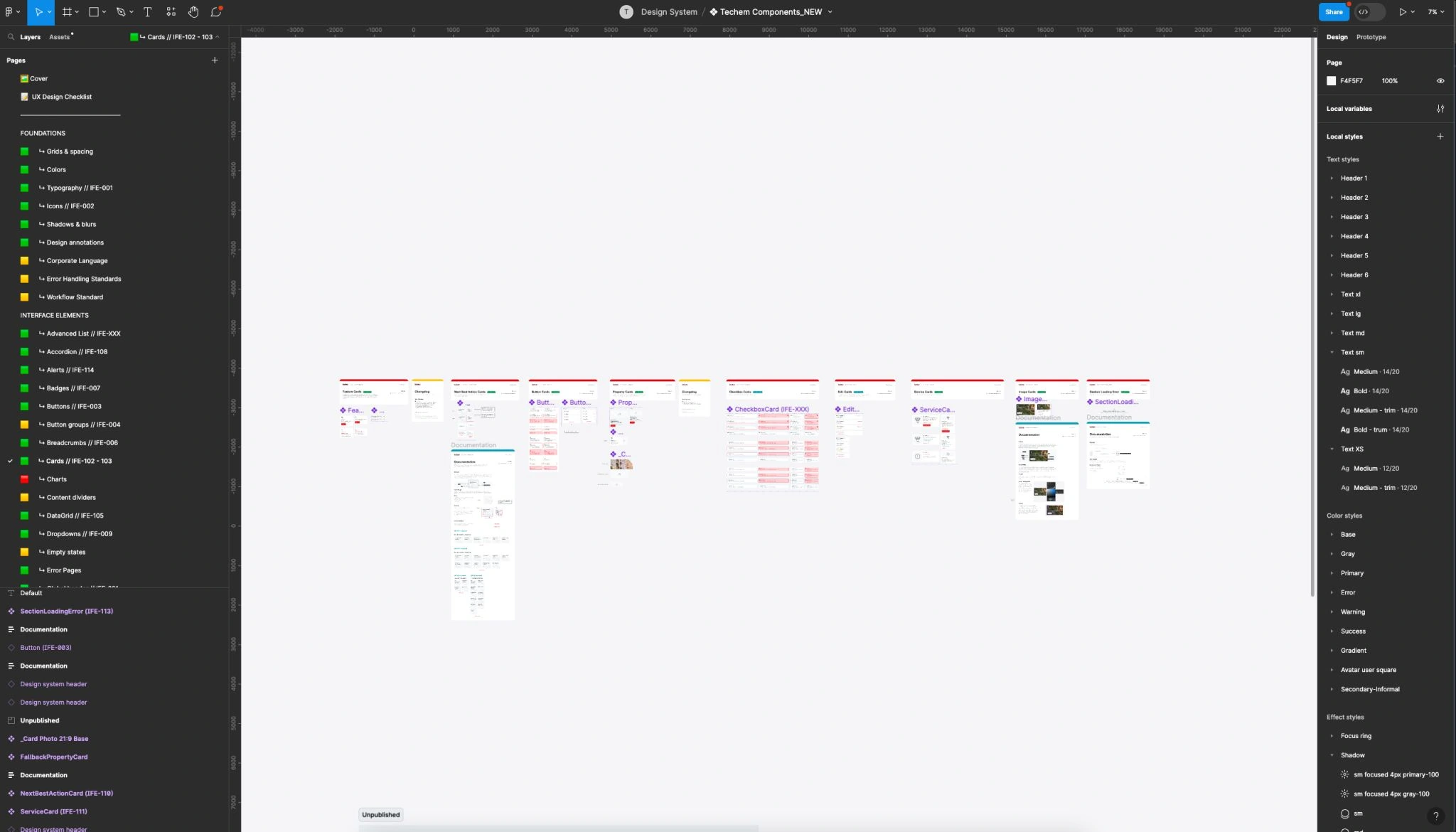
The Figma file of the design system
The file is called Techem Components_NEW. It combines the foundations, the interface elements, and the local styles.
Buttons
Badges
Input field
Alert
Saved
The changes are applied.
Techem Prototype Factory – architecture for Figma-to-React prototyping
The Prototype Factory translates existing Figma designs into reproducible React prototypes. It uses the official Techem UI Kit, design tokens, and the Techem Content Rules. The diagram is redrawn and animated.
- Solid line: data flow of the pipeline
- Dotted line: learning cycle, feeds back into the pipeline
Pipeline
The path from the request of the UX Designer to the checked preview.
- UX Designer. Starts with a Figma link and a change request. Works directly in the browser.
- Browser Studio. Web interface. Accepts input and shows the generated prototype.
- Prototype Factory API. Central backend for Figma access, generation and collaboration.
- Copilot / LLM Orchestration. Orchestrates context, decides on behavior and uses existing components. The Techem Content Context and the UX-Writing Skill supply the context. The Content Context takes precedence.
- Figma Design. Source for layout, structure, instances and design decisions.
- Figma Adapter / Desktop Bridge. Reads Figma frames and exports them to a transportable format.
- Design IR (Intermediate Representation). Normalized intermediate model for nodes and layout.
- Component Registry. Maps Figma components to real React kit components and props. The Techem React UI Kit and the Design Tokens supply components, colors, spacing and modes for this.
- Strict Generation Plan. Checks components before generation. Stops on errors.
- React Scaffold Generator. Creates React files, kit imports and CSS configuration.
- Prototype Workspace. Standalone workspace with a React screen and Vite.
- Browser Preview. Interactive display of the generated prototype.
- Structural Quality Checks. Checks registry coverage, layout contracts and props.
Learning cycle
The quality check and the feedback into the pipeline.
- Structural Quality Checks. Checks registry coverage, layout contracts and props.
- Visual Comparison. Compares the rendered prototype with the Figma reference.
- Handoff / Documentation. Documents the Figma source, the components in use and deviations.
- Lessons / Generator Rules. Stores errors and rules against future regressions of the pipeline.
- Feedback loop. The lessons feed back into the Component Registry and the React Scaffold Generator. This way, errors do not repeat.